Version 0.3.1
Take Twiddle with you
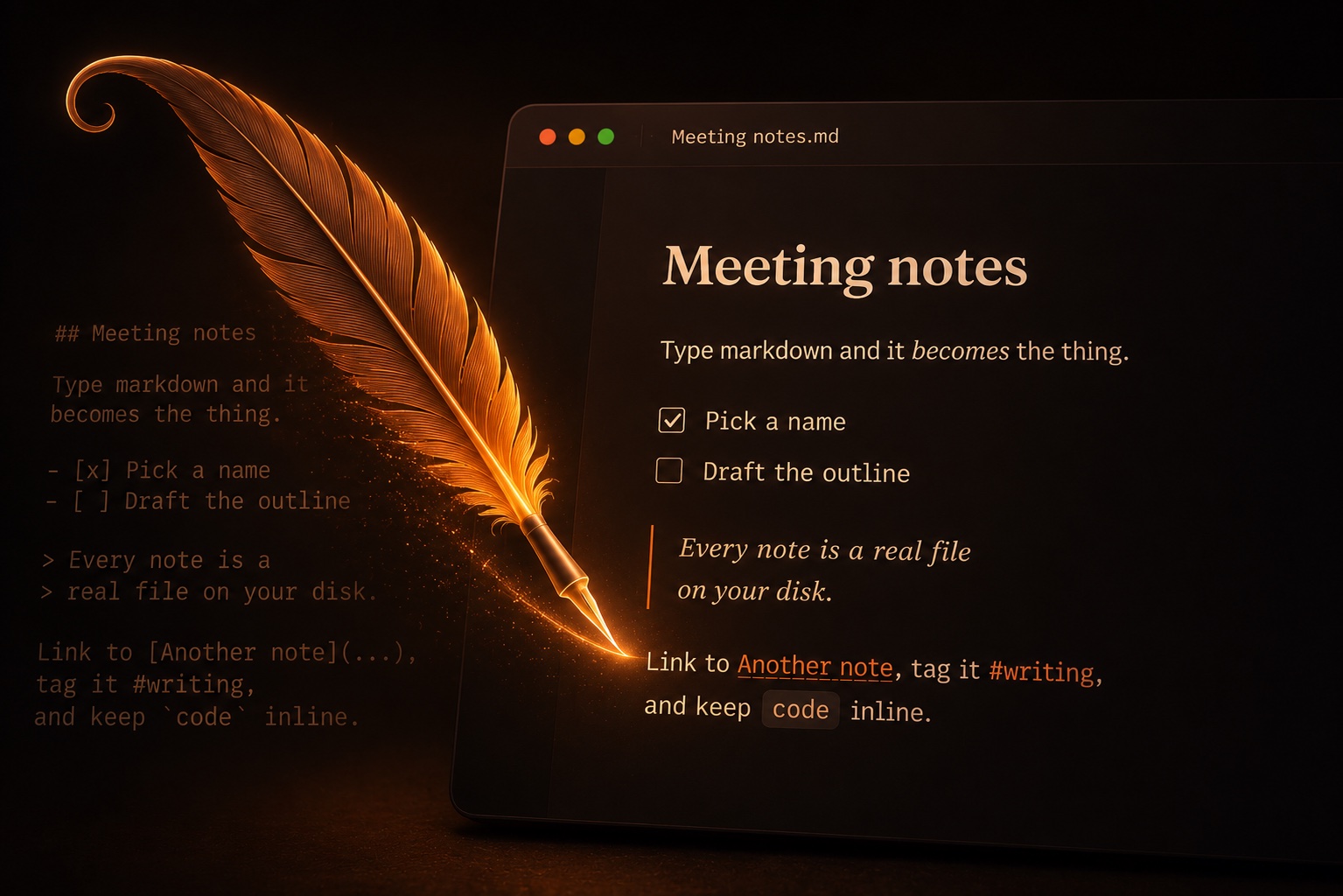
Free, and yours to keep. No account needed, no telemetry, and not one of your notes on our servers — ever. Every note is a plain file on your own disk.
macOS & Windows
Every build
macOS
.dmg — Apple Silicon & IntelOne universal disk image covering both Apple Silicon and Intel. Open it and drag Twiddle to Applications.
Windows
.exe installerAn installer that sets Twiddle up for your user account only, so updates never ask for an administrator. An .msi is on the release page if you'd rather deploy that way.
Linux
soonNo Linux build yet. The web app installs as a PWA and behaves much the same, minus the native file dialogs.
The first launch will warn you
Twiddle isn't code-signed yet — certificates cost money an experiment hasn't earned. Both systems will say so, once. Here's exactly what you'll see and what to press.
macOS
macOS blocks the first launch because Twiddle isn't signed with an Apple Developer certificate. Right-click the app and choose Open, then confirm — once only. If macOS calls the app damaged, run xattr -cr /Applications/Twiddle.app.
Windows
SmartScreen warns about an unrecognised publisher, for the same reason: no code-signing certificate yet. Choose More info, then Run anyway.
Once installed, Twiddle updates itself — this is the last time you'll download it by hand. What each version changed is in the changelog.
an experiment by TINYLabs.